TTRPG Rulebook Template: A Free Outline, Section by Section
A free TTRPG rulebook template in Markdown: 14 chapters in the order players learn them, from credits to the index, with a note on why each one sits where it does.
By Munib Ali LaghariPublished 9 min read
A TTRPG rulebook template is an outline of the chapters a rulebook needs, in the order a reader uses them: credits, an introduction, the core rules, character creation, character options, the detailed rules, equipment and abilities, guidance for whoever runs the game, adversaries, and reference pages at the back. Ours is free below, with a reason for every placement.
On this page
The template is a plain Markdown file with 14 chapters and 26 sections. Each chapter opens with a short "Why here" note you delete once you have read it. It is free, with no sign-up and no email address: download the TTRPG rulebook template.
This is a content template, not a page design. It tells you what goes in the book and in what order, and it works in any writing app. We make RuleBindery, a tool for structuring and publishing game books, so it appears in the section on starting a book from the file.
The template at a glance
The order follows one idea: teach first, look things up later. A new reader goes front to back, and a returning reader starts at the back.
| # | Chapter | What goes in it | Why it sits here |
|---|---|---|---|
| 1 | Credits and Legal | Title, version number and date, contributors, the licence notice, where corrections live | Reviewers and licences look for it first, and the version number tells a reader which file they have |
| 2 | Introduction | What the game is about, what you need to play, how to use the book | A reader decides in the first few pages whether to keep going |
| 3 | Playing the Game | The core mechanic, how a session flows, an example of play | Character numbers mean nothing until the reader knows what a roll does |
| 4 | Safety and Table Expectations | The safety tools you recommend and what to agree before play | These talks happen at the first session, before characters exist |
| 5 | Creating a Character | Numbered steps and one finished example | Right after the core mechanic, while the reader remembers what each number does |
| 6 | Character Options | Classes, playbooks, backgrounds or whatever your game calls them | The creation steps point here, so it comes straight after them |
| 7 | Rules in Depth | Conflict, harm and recovery, conditions, advancement, play between sessions | Once a reader has a character, this is where they look up the details |
| 8 | Equipment | Every item, with the same fields | It depends on the rules that items change |
| 9 | Abilities and Magic | Spells, powers or moves, with the same fields | Often the longest list in the book, so it follows everything it depends on |
| 10 | Running the Game | The game runner's job, preparing a session, making rulings, pacing | Behind the player chapters, so players know where they can stop reading |
| 11 | Adversaries | Every opponent in one stat block format | The game runner's main list, next to the advice on using it |
| 12 | Setting | The world, if your game has a fixed one | Optional. Move it up to chapter 3 if the world is the reason people buy the game |
| 13 | A Starting Adventure | One short scenario a new group can play tonight | It shows every earlier chapter in use |
| 14 | Reference | A quick reference page, tables, a glossary, the index, the character sheet, the version history | The back of the book is where returning readers look first |
Setting and A Starting Adventure are the two chapters you can drop without leaving a reader stuck. Every other chapter answers a question a player or game runner will ask.
Why the rules come before character creation
A reader can only make good choices about a character once they know what the numbers do. If Strength is 3, the reader needs to know whether 3 is good. That is why the template puts a short "Playing the Game" chapter before "Creating a Character".
Wizards of the Coast's own 2024 free rules for D&D follow the same order: "Playing the Game" is chapter 1, and character creation is chapter 2. The player half then ends with a rules glossary, which is the same instinct as our Reference chapter.
The designer Jack Edward goes further. In a 2023 essay on rulebook structure, he argues that a core book's first 30 or so pages should be a complete rules primer, so a group can start playing before reading the rest. The template's third chapter is where that primer goes. Keep it short enough to teach the whole game, and let "Rules in Depth" carry the exceptions.
Which chapters are worth moving
The order above is a strong default, not a law. Three placements are worth deciding on purpose for your game.
Credits at the front or the back
Many books put credits at the back. The D&D free rules put them at the end of each part. That is fine, as long as the version number and the licence notice stay easy to find. If you move credits to the back, put the version number on the title page instead. A reader comparing two files should not have to scroll to the last page to see which one is newer.
If your game builds on an open licence, the licence says what credit you must give. The D&D SRD 5.1, for example, asks for a specific attribution statement. Our guide to what an SRD is covers the common ones and what they require. This is general information, not legal advice.
Safety before characters, or with the game runner
We put safety tools in the player half of the book, because players read that half and safety is everyone's job. Other games cover them later. Daggerheart's session zero page lists the tools its core rulebook points to, including the TTRPG Safety Toolkit curated by Kienna Shaw and Lauren Bryant-Monk, and cites page 169 of the core rulebook for them.
Either placement works. If you put safety in the runner's chapter, add one line to the introduction telling players it is there.
Setting first or last
Setting comes late in the template because many games have no fixed world, so it is optional. If your world is the pitch, move it up to sit right after the introduction. A reader who bought the book for the world should not have to get through four chapters of rules to meet it.
How to fill in a chapter of repeated entries
Four chapters are lists: Character Options, Equipment, Abilities and Magic, and Adversaries. In the template, each has one placeholder entry with its fields already listed:
- Rename the placeholder ("Ability Name") to your first real entry.
- Fill in every field, even if the answer is "none".
- Copy the whole entry, heading and fields, for the next one.
- If you need a new field, add it to every entry in the chapter at once, not only the one in front of you.
The fourth step is the one that saves a book. Forty spells that share one set of fields can be checked, indexed and corrected in one pass. Forty spells written slightly differently each time have to be checked by hand, every time something changes. Our guide on how to design a stat block works through this for adversaries, with a field list you can copy.
What this template does not do
The template gives you an order and the chapters to fill. It does not give you a page design.
Many of the TTRPG templates people share are layout files for InDesign or Affinity, such as this free Affinity Publisher template on itch.io. They decide fonts, columns and page styles, and they assume you already know what goes in each chapter. You can use both: this outline to write the book, and a layout file when the text is ready. Our comparison of TTRPG layout software covers the tools those layout templates are made for.
For the steps after the outline, from editing and playtesting to the finished PDF and corrections after release, see our guide on how to make a TTRPG rulebook.
Starting a book from the template in RuleBindery
RuleBindery (ours) is a tool for writing, structuring and publishing game books, where the pages are built from your text. We tested the template in it on October 29, 2026. On the Publisher plan, the file imports in one step:
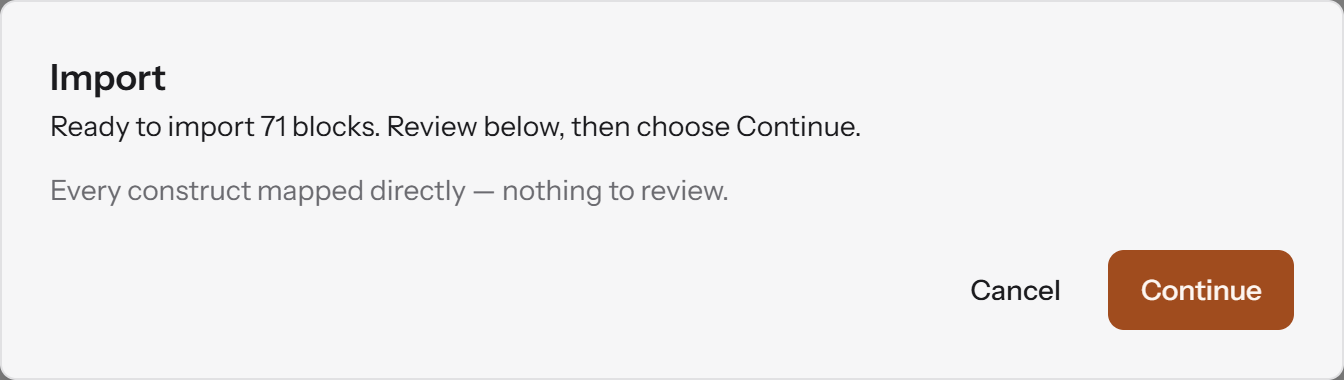
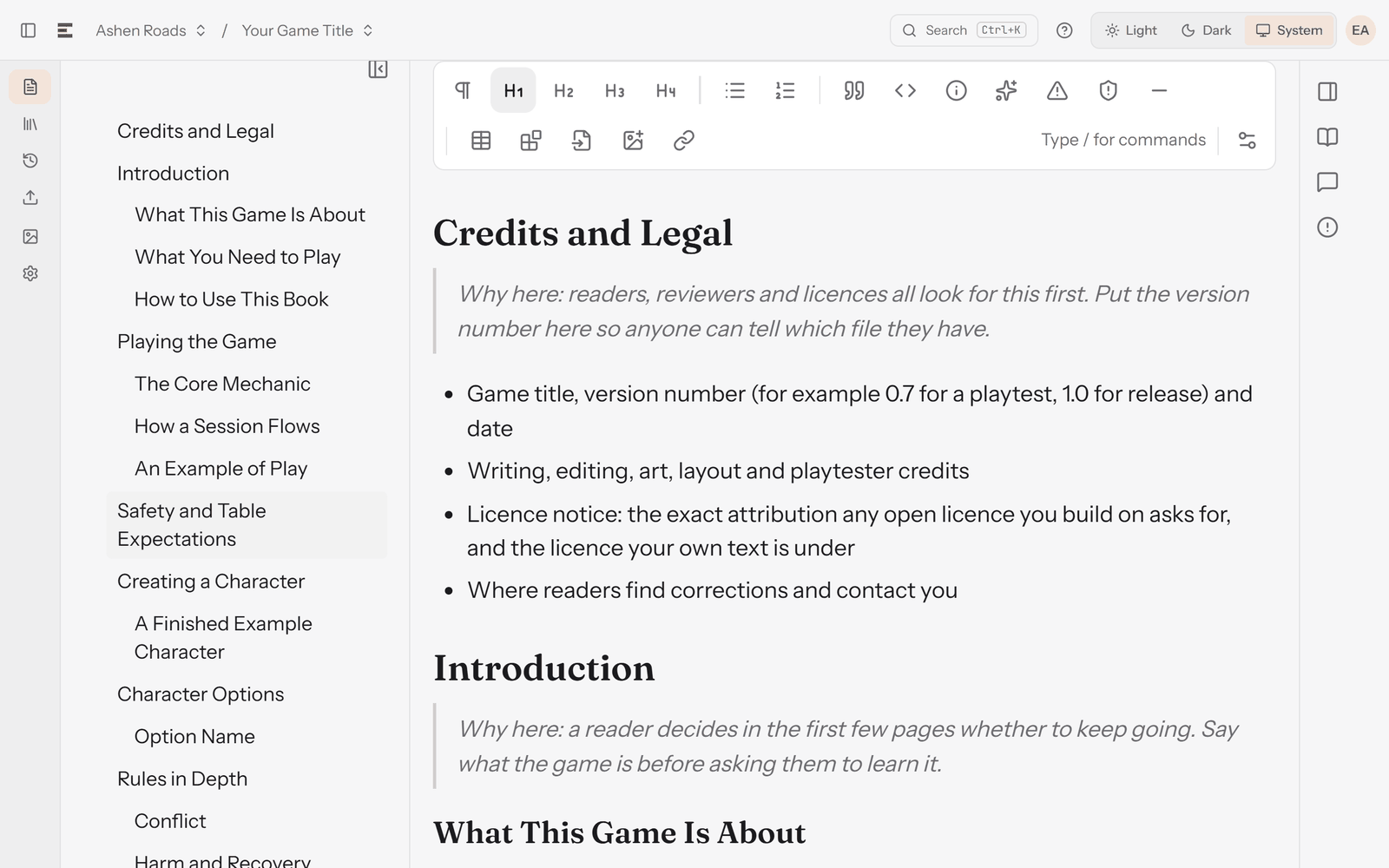
The document took its name, "Your Game Title", from the first line of the file. All 14 chapters and their 26 sections appeared in the outline beside the editor, and the "Why here" notes came in as quotes, ready to delete:
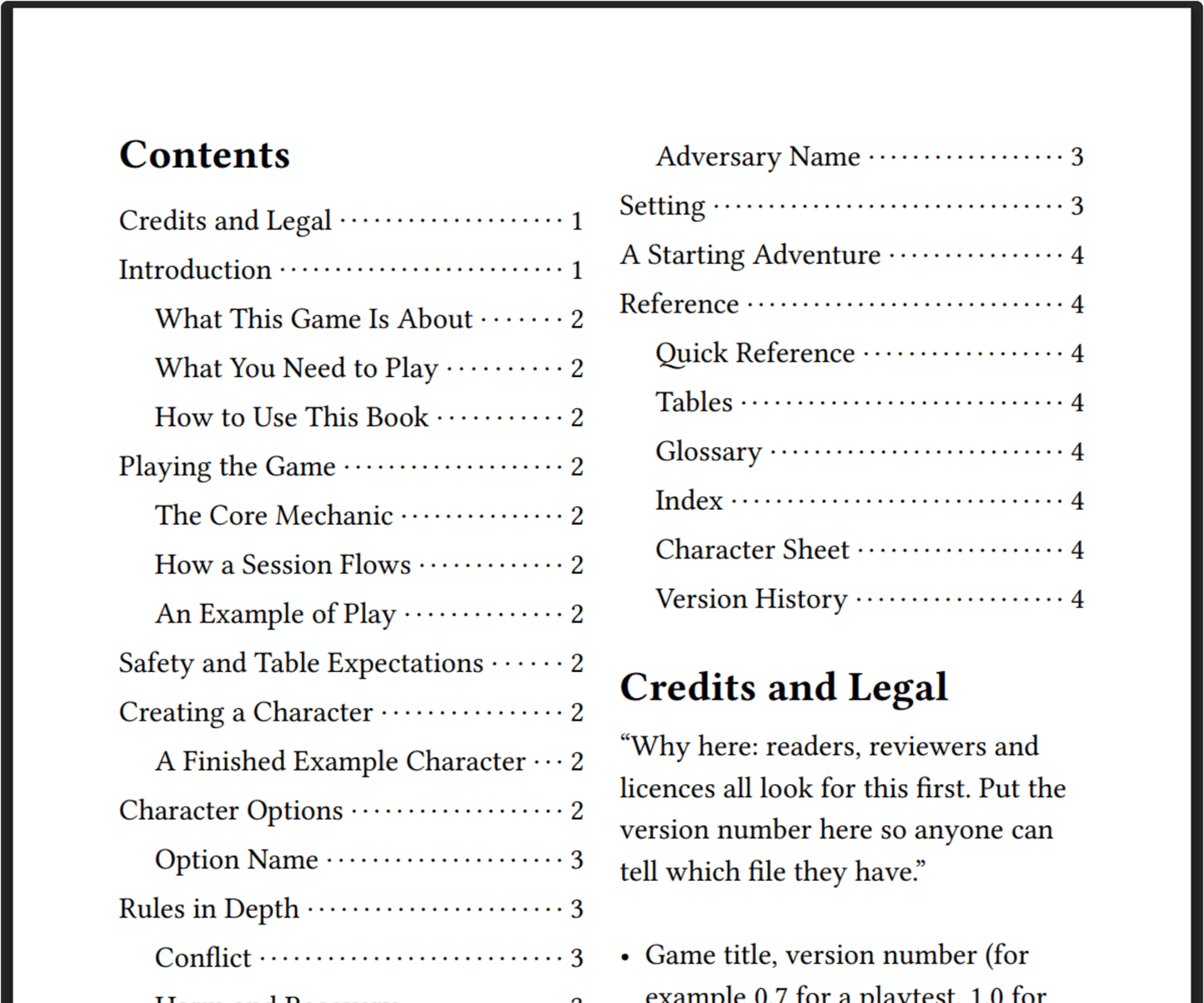
The live preview built a contents page with page numbers from the same headings, before a word of the book was written. The preview is on every plan; on Free, it carries a "DRAFT" watermark.
After the import, RuleBindery offered to turn the 26 repeated sections into library entries ("Found 26 sections repeating at heading level 2"), with none of them ticked. For an outline, choose Skip. The offer becomes useful later. When you import a finished chapter of thirty spells that share one set of fields, the same step turns each one into a library entry, where RuleBindery's checks look across all of them, for example flagging two names one letter apart.
Import is part of the Publisher plan. On the Free plan, there are two ways in:
- Paste it. Open the file in Google Docs (File > Open > Upload), copy everything, and paste it into a RuleBindery document. The headings and lists come across as headings and lists. Pasting the raw file from a text editor brings the
#marks in as text instead. - Type the chapters. Typing
#and a space at the start of a line makes a chapter heading, and##makes a section heading.
Everything else shown here is on the Free plan too: the outline, the live preview, and library entries with the same fields for every spell or adversary. The pricing page lists what each plan includes.
Two limits are worth knowing before you start. RuleBindery needs an internet connection. And it lays out the pages for you, so if you want to place every element on every spread by hand, a page-design app suits you better.
Frequently asked questions
Is there a free TTRPG rulebook template?
Yes. The template on this page is free to download and use, with no sign-up. It is a Markdown outline of 14 chapters with a note on why each one sits where it does. Itch.io also lists free and paid layout templates for InDesign and Affinity, which handle the page design rather than the content.
What order should a TTRPG rulebook be in?
Teach first, reference last: credits, an introduction, the core rules, character creation and options, the detailed rules, equipment and abilities, a chapter for whoever runs the game, adversaries, and reference pages at the back. The D&D free rules follow the same pattern, putting "Playing the Game" before character creation.
Can I use this template in Google Docs or Word?
Google Docs can open the file directly through File > Open > Upload, and it turns the Markdown headings into Docs headings. Any text editor can open the file too, because Markdown is plain text with # marks for headings.
Should a rulebook start with a quick start?
We think so, for most games. A short chapter that teaches the whole game lets a group start playing before they read everything else. Jack Edward's essay on rulebook structure makes the case for a complete primer of about 30 pages at the front of a core book.
Is this a layout template?
No. It is a content outline: what goes in the book, and in what order. A layout template decides fonts, columns and page design. Use the outline while writing, and a layout template, if you want one, once the text is ready.